Cybersecurity Awareness Month: Spotting phishing scams before they hook you
Posted by Kimber Crull
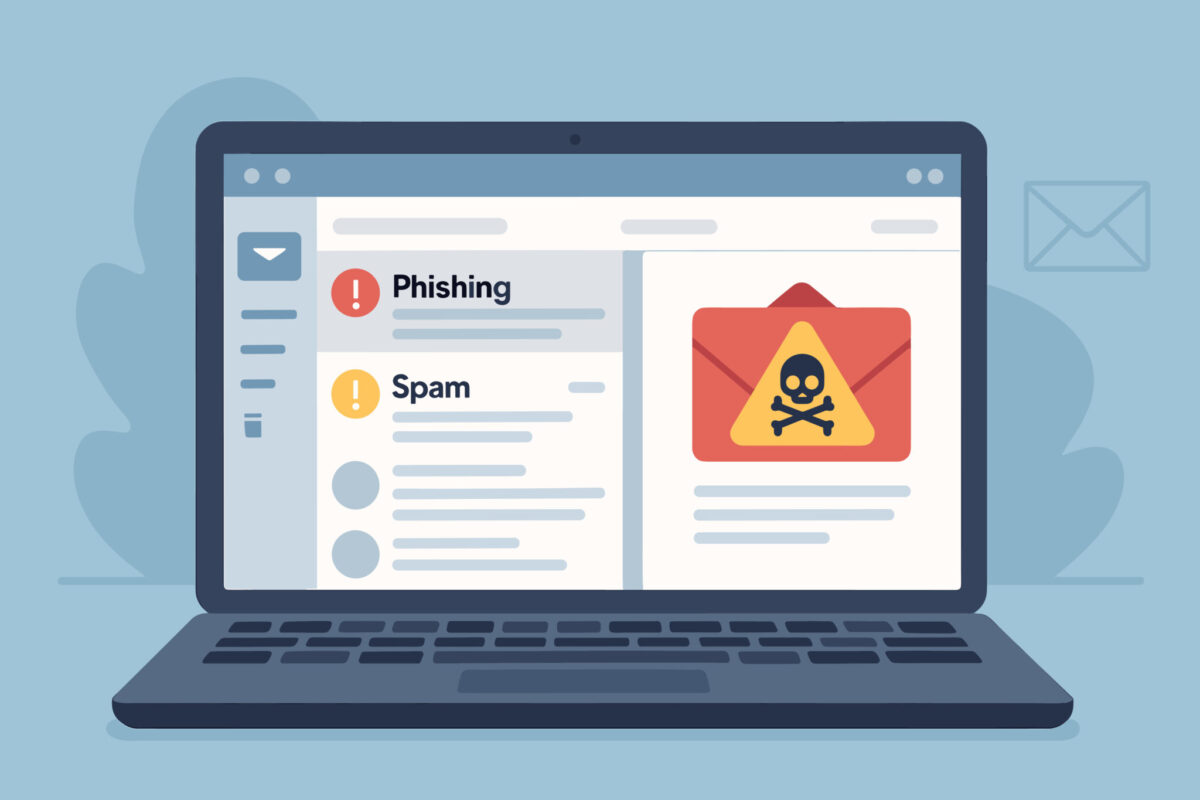
Image generated with AI by BrunoStudio/Adobe Stock.
October is Cybersecurity Awareness Month, a nationwide initiative to educate individuals and organizations about the importance of digital safety. This article is the first in a series to help the campus community protect against cybercrime. One of the most pervasive threats in today’s cyber landscape is phishing – a deceptive tactic used by cybercriminals to trick people into revealing sensitive information.
What is phishing?
Phishing is a form of social engineering where criminals impersonate legitimate entities – like banks, government agencies, retailers or people – to convince individuals to click malicious links, download harmful attachments or share personal data. These scams often arrive via email, text message or social media and can look surprisingly authentic, especially with the increasing use of artificial intelligence.
A typical phishing message may claim your account has been compromised, reference a package delivery or claim you are subject to some sort of legal action. You may be asked to verify your identity, approve a delivery or pay a fine by clicking a link. That link often leads to a fake website designed to steal your login credentials.
What is spear phishing?
Some phishing attacks are even more sophisticated and use personalized details to increase credibility. Such attacks may specifically target you or your organization and use information about you, your family, your buying habits or your work to increase the likelihood that you will be compromised.
How to protect yourself
Staying safe from phishing requires vigilance and smart habits:
- Think before you click. Hover over links to inspect the website address before clicking. If it looks suspicious or unfamiliar, don’t engage.
- Verify the source. If you receive an unexpected message from a company or friend, contact them directly through official channels to confirm its legitimacy.
- Look for red flags: While AI makes poor grammar less common, urgent language (e.g., “Act Now!”), unfamiliar sender addresses and unusual requests (e.g., buying gift cards) are still red flags.
- Enable multifactor authentication (MFA). MFA adds a layer of security, which makes it harder for attackers to access your accounts even if they obtain your password.
- Keep software updated. Regular updates fix vulnerabilities that phishing scams often exploit.
- Use security tools. Antivirus software and email filters can help detect and block phishing attempts.
- Report suspicious activity. Your email client has an option to “Report Phishing” and “Report Spam.” Instructions are available at it.mst.edu. Reports are investigated by the campus IT security team, which may block malicious activity to protect others.
Protecting everyone
Cybersecurity isn’t just an IT issue – it’s a shared responsibility. Whether you’re a student or a staff or faculty member, understanding phishing and practicing safe online behavior protects your identity, finances and peace of mind. A single compromised account can give attackers access to an entire organization.
This Cybersecurity Awareness Month, take time to review your digital habits. A few proactive steps today can prevent costly mistakes tomorrow.
Need help? Visit it.mst.edu or email the IT Help Desk.

Posted by Kimber Crull